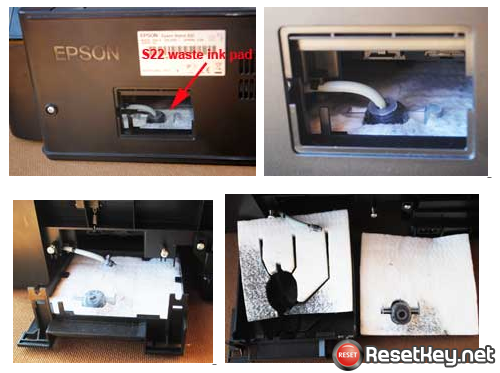
Epson Reset Keys

Download Multimodel Waste Ink Pad Counter Reset utility for Epson printers Reset

WIC Reset Key
  • Home
  • Download
  • Buy Reset Key
  • How To Reset
  • Supported Printers
  • TRIAL Key
  • F.A.Q
  • About Us
  • Contact

Great review from Joshua Lutz about WICReset and ResetKey.net

March 3, 2020 by Manila Care

I just received an email notifying me of a new comment while I was sitting at work. It was a great review from Joshua Lutz (in NYC), I felt it was great to help someone, so I decided to share this … [Read more...]

Filed Under: Introduce Tagged With: Best Feedback, Great Review, Is ResetKey.net scam?

Why do you have to connect the printer to the computer by USB Cable
December 20, 2019 by Manila Care

To reset waste ink counter of an Epson printer or a Canon printer with WIC Reset Utility, we always remind you to connect computer to the internet and connect the printer and the computer by a USB … [Read more...]

Filed Under: Introduce Tagged With: USB Cable Required

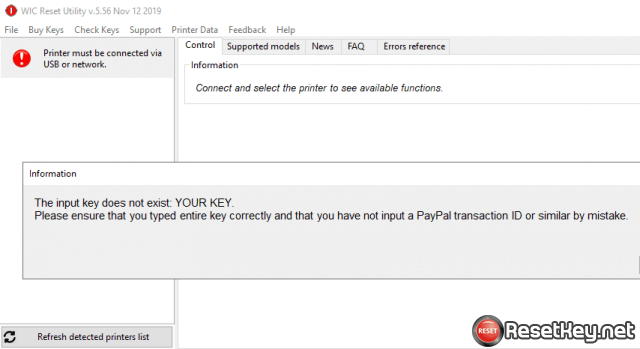
The input key does not exist – What to do?
November 14, 2019 by Manila Care

When you check the key or reset the printer with WICReset Tool, you get the message: "The input key does not exist: YOUR KEY. - How to check wic reset key Please ensure that you typed entire key … [Read more...]

Filed Under: Introduce Tagged With: The input key does not exist

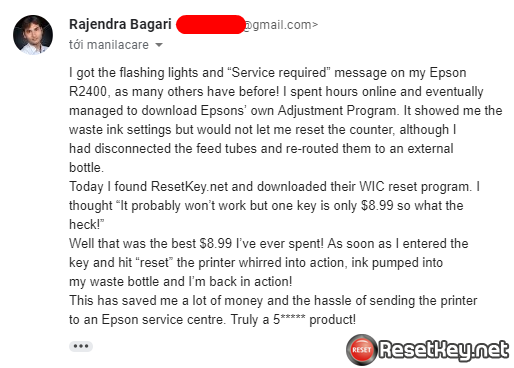
Great feedback from another happy customer – WIC Reset Tool!
June 10, 2019 by Manila Care

Hi there, Today is a beautiful day! We have received some fantastic feedback from one of our clients about the service they have received from ResetKey.net. We would like to share the great feedback … [Read more...]

Filed Under: Introduce Tagged With: Feedback


Epson Printers’ Red Lights Are Blinking
December 20, 2018 by Manila Care

Question about Epson printers’ lights are blinking: Hi guy! I have an Epson printer and when I turn it on, the ink light as well as the paper light is blinking continuously in red. What can I do to … [Read more...]

Filed Under: Introduce Tagged With: Epson Error, Red Lights Are Blinking

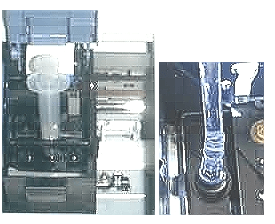
Epson Print Head cleaning instructions
May 5, 2017 by Manila Care

Using a syringe: A clogged print head can be cleaned with ease as long as you are careful. There are two common methods to clean the print heads. Epson Print Head cleaning instructions The first is … [Read more...]

Filed Under: Introduce Tagged With: Epson Print Head, Epson Print Head cleaning

Solution for Overflow Waste Ink Counter

January 20, 2016 by Manila Care

Epson has built a system inside their printer which will stop the operation once the printer is having trouble. Normally, you need to take your printer to service centre to get them working again. … [Read more...]

Filed Under: Introduce Tagged With: printer stop working, Waste Ink Pad, Waste Ink Pads is overflow

Questions About Epson Printer Waste Ink Pad
January 20, 2016 by Manila Care

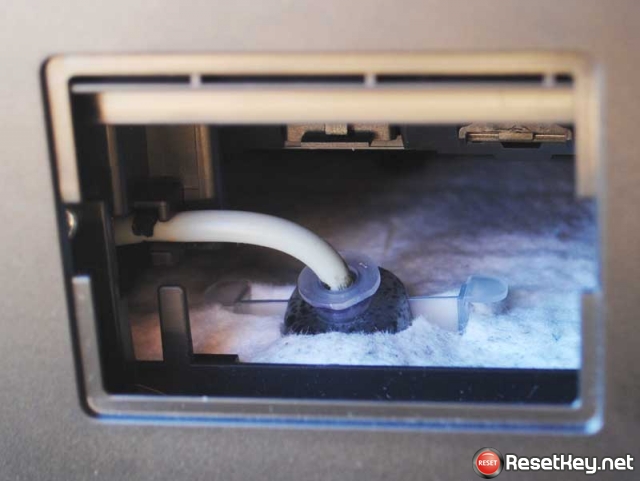
There are some common question about Waste Ink Pad that we are going to answer in the following part. Waste Ink Pad Frequently Asked Questions Q: Many users get confused because their printer … [Read more...]

Filed Under: Introduce Tagged With: Epson Printer, printer stop working, Waste Ink Pad, Waste Ink Pads is overflow

When you need to reset printer waste ink counter
January 20, 2016 by Manila Care

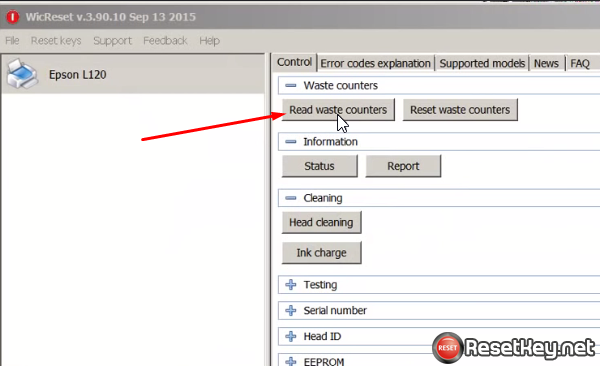
You can check Epson Waste Ink Counters with WIC Reset utitlity to see whether it is need to be reset. If the waste ink counter is 100%, it is full. If it is over 100%, it is overflow and the ink might … [Read more...]

Filed Under: Introduce Tagged With: Epson Printer, Printer errors, printer stop working, Waste ink counter, Waste Ink Pad, Waste Ink Pads is overflow

The Importance of Waste Ink Pad

January 20, 2016 by Manila Care

Waste Ink Pads are a number of sponge pads inside your printer which is responsible for absorbing, collecting, accommodating unused ink during the printing, cleansing the prinhead. Once these Waste … [Read more...]

Filed Under: Introduce Tagged With: Epson Printer, Printer errors, printer stop working, Waste Ink Pad, Waste Ink Pads is overflow

Video how to buy WIC Reset Key by Visa, MasterCard, Paypal
January 12, 2016 by Manila Care

We use Paypal as payment gateway. You can buy the key with Paypal account or use Visa, Master card without signing in to paypal. Step 1: Visit buy page here -> Enter number of the reset key you want … [Read more...]

Filed Under: Introduce

Items in Your Cart

Your cart is empty
Visit The Shop

I have paid for Reset Key but not received yet.

Secure payment by Paypal accept paypal, visa, master card - 247 delivery

Watch Video How To Buy Reset Key
Visit WICSupport YouTube Channel Visit @wicreset on X.com Instagram

Share on Facebook

Popular Contents

  • Install WICReset from Unidentified Developers on Mac OS X
  • How to know printer Waste Ink Counter Overflow?
  • Solution for Overflow Waste Ink Counter
  • Questions About Epson Printer Waste Ink Pad
  • When you need to reset printer waste ink counter
  • The Importance of Waste Ink Pad
  • Video how to buy Wic Reset Key
  • Customer Questions and Answers
  • Fix error: A printer error has occured. Turn power off then on again.
  • Disable the Epson Status Monitor
  • How many pages will I be able to print after reset?
  • Epson PrintHead Recovery Procedure
  • How to avoid Epson Waste Ink Pad Overflow

Popular Models

WIC Reset

Epson adjustment program

Epson L220 resetter

Epson L120 resetter

Epson L210 resetter

Reset Epson L220

Reset Epson L355

Reset Epson L365

Epson L360 resetter

Categories

  • Great Reviews
  • Introduce
  • Printer Drivers
  • Reset Canon
  • Reset Epson
  • Service Manuals
  • Tips and Advice

Recent Posts

  • Fix WIC Reset Utility Socket API read error: Connection aborted
  • Epson Cleaning Test: 1 Head Cleaning = 2.03% Waste Ink Counter?
  • Reset Epson ET-4700 – E11 Error, Service Required
  • Reset Epson L1210 Service Required – Illustrated Guide
  • Epson L3251 Resetter: Fix “Service Required” & Reset Waste Ink Pad Counter

Buy One WIC Reset Key Quick

RESET KEY for the WIC Reset Utility

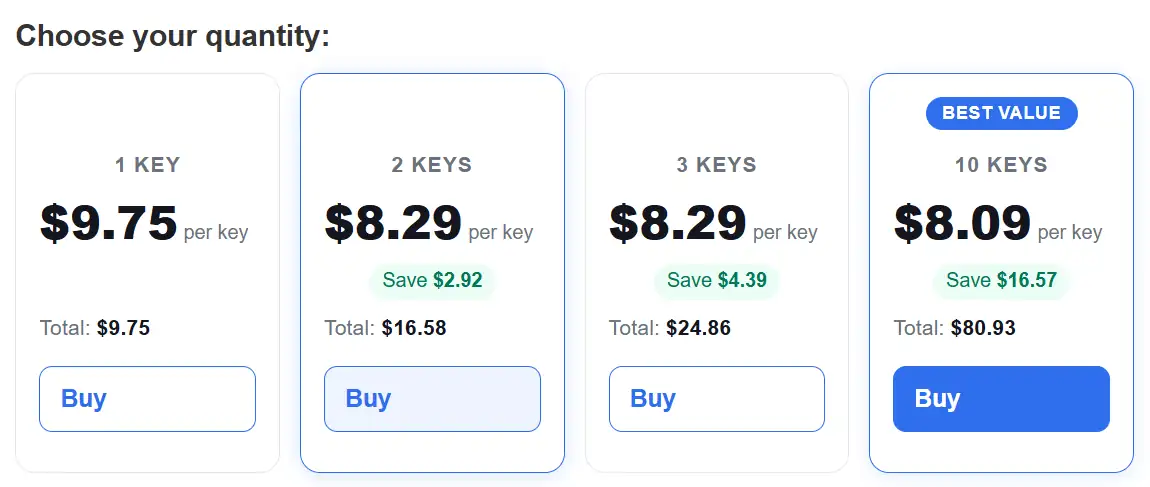
Price Only: $8.99

Quantity:  

This form for buy 1 key only.

To buy >= 2 keys get discount 10% please click here

web safety
Resetkey.net website reputation

Copyright © 2026 · ResetKey on Genesis Framework · WordPress · Log in

We use cookies to improve your experience. By using our site, you agree to our use of cookies. Learn more